How to Get More 5-Star Reviews Using Your Restaurant’s Menu
Increase Google Rating for your restaurant using Tapmenu

Most restaurant owners believe reviews are won or lost in the kitchen.
They aren’t.
A review is a reflection of the entire experience. Even with great food, small moments of friction—like a confusing menu, a busy server, or ordering something that’s sold out—can turn a potential 5-star experience into a 4-star one.
Your menu is one of the most powerful tools you have to reduce that friction.
Why Great Food Often Gets Average Reviews
Reviews are lost when the experience feels harder than it should be:
Too many choices, not enough clarity
Customers unsure what to order
Items unavailable after ordering
Staff too busy to guide properly
Even small issues like these reduce the chance of a great review.
7 Ways to Turn Your Menu into a Review Magnet
1. Reduce Ordering Confusion
Confidence leads to satisfaction.
Make your menu easy to understand:
Organize items into clear categories
Add images and simple descriptions
Avoid overwhelming choices
When customers know what they’re ordering, they enjoy it more.
2. Guide Customers to the Right Choices
Don’t leave customers guessing.
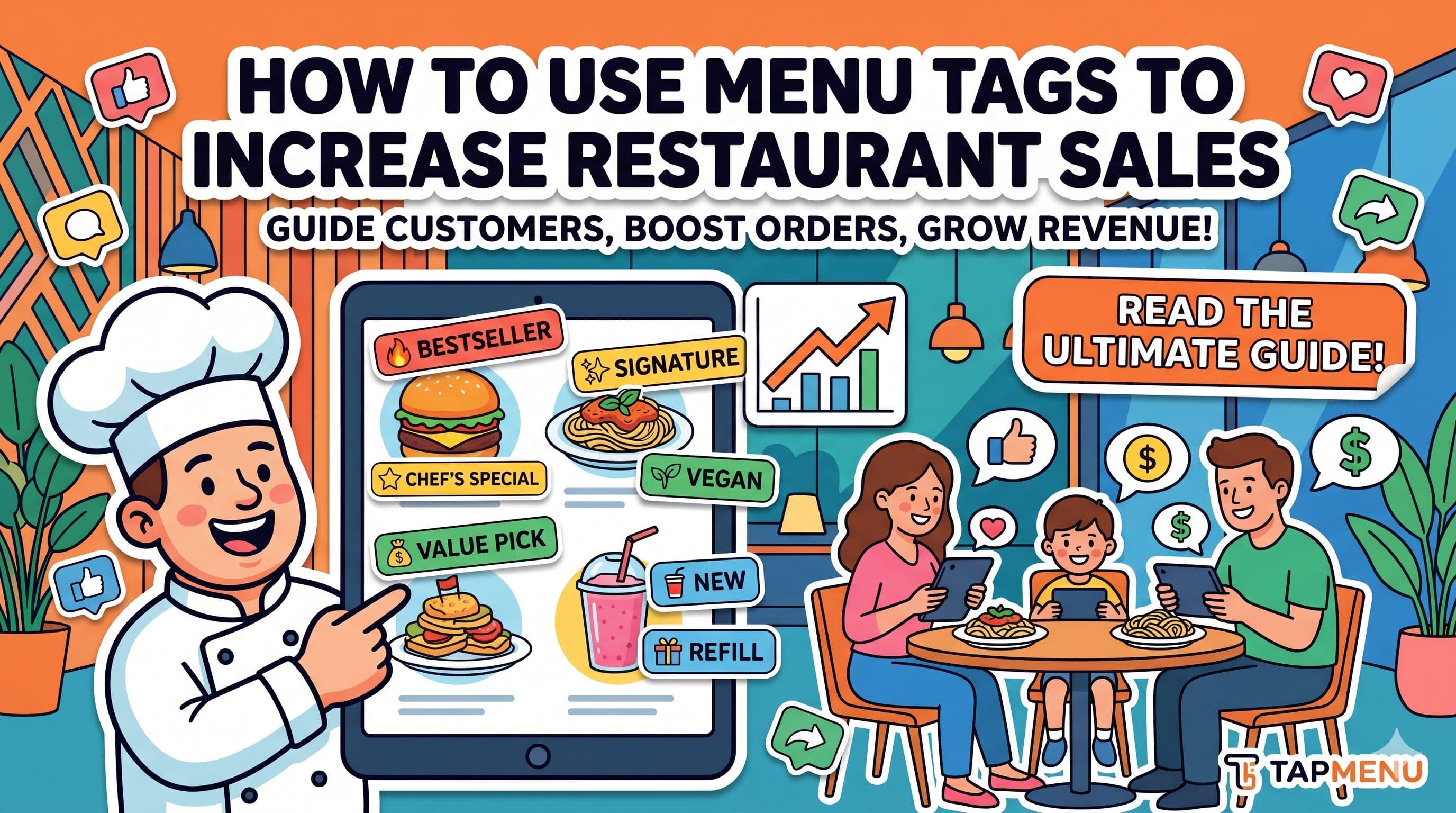
Highlight proven favourites using:
Bestseller
Recommended
Chef’s Special
When customers choose items others love, their experience improves—and so do your reviews.
3. Avoid “Sold Out” Disappointment
Few things frustrate customers more than ordering something that isn’t available.
Keep your menu updated in real time:
Mark items as “Sold Out”
Hide unavailable dishes
Update instantly when needed
This prevents disappointment before it happens.
4. Make the Experience Feel Fast
Speed shapes perception.
When customers:
Scan quickly
Browse easily
Decide faster
They feel the service is smooth—even before the food arrives.
5. Ask for Reviews at the Right Moment
Timing matters.
The best time to ask is right after a positive experience.
Add a simple prompt like:
“Enjoyed your meal? Leave us a review”
Link it directly to Google Maps so it takes just a few seconds.
6. Capture Negative Feedback Privately
Not every experience will be perfect.
Instead of letting unhappy customers post public reviews:
Give them a quick way to share feedback privately
Respond and resolve issues early
This helps protect your rating and improve your service.
7. Make Your Menu Feel Premium
Presentation affects perception.
A clean, well-designed digital menu signals:
Quality
Professionalism
Attention to detail
Customers often reflect this in their reviews.
A Simple Example
Two customers visit the same restaurant.
Customer A:
Confused by menu
Orders something average
Leaves without reviewing
Customer B:
Sees a “Bestseller” item
Orders confidently
Has a smooth experience → Leaves a 5-star review
The difference isn’t the kitchen.
It’s the experience.
Start Small
You don’t need a full overhaul.
Start with:
Highlight your top 3 items
Keep availability updated
Add a simple review link
Small improvements in experience lead to better reviews over time.
Final Thought
You don’t get more 5-star reviews by asking more.
You get them by making the experience better.
Your menu is one of the simplest places to start.